Guides
Streaming the Summary Generation
When you don't want to wait for the full text to be complete, you can use the stream endpoint to retrieve the text as it is being processed.
In this example, we'll use the Get Entity AI Summary / Stream route to retrieve the text summary as it is being processed.
That route supports the text/event-stream format and returns markdown text.
Code example
This example will use node.js and will suppose an environment variable for the authentication token.
In the using libraries example, we'll use the fetch-event-stream library to handle the stream.
import { stream } from "fetch-event-stream";

const entityId = "d843aeac-c845-5fa2-a152-9a2a9de3954b"; // replace with your entity_id
const API_HOST = "https://api.textreveal.com";
const API_TOKEN = process.env.API_TOKEN;

const streamResponse = await stream(`${API_HOST}/v3/entities/${entityId}/esg/summary/stream`, {
  method: "GET",
  headers: {
    Accept: "text/event-stream",
    Authorization: `Bearer ${API_TOKEN}`
  }
});

for await (const event of streamResponse) {
  //  event is of format: { event: "message" | "error" | "done", data: string, id: number }
  //  event.data is a JSON escaped string
  if (event.event !== "message") continue;
  const text = JSON.parse(event.data);
  process.stdout.write(text); // to print the text without any newline
}
Resulting in the following output:
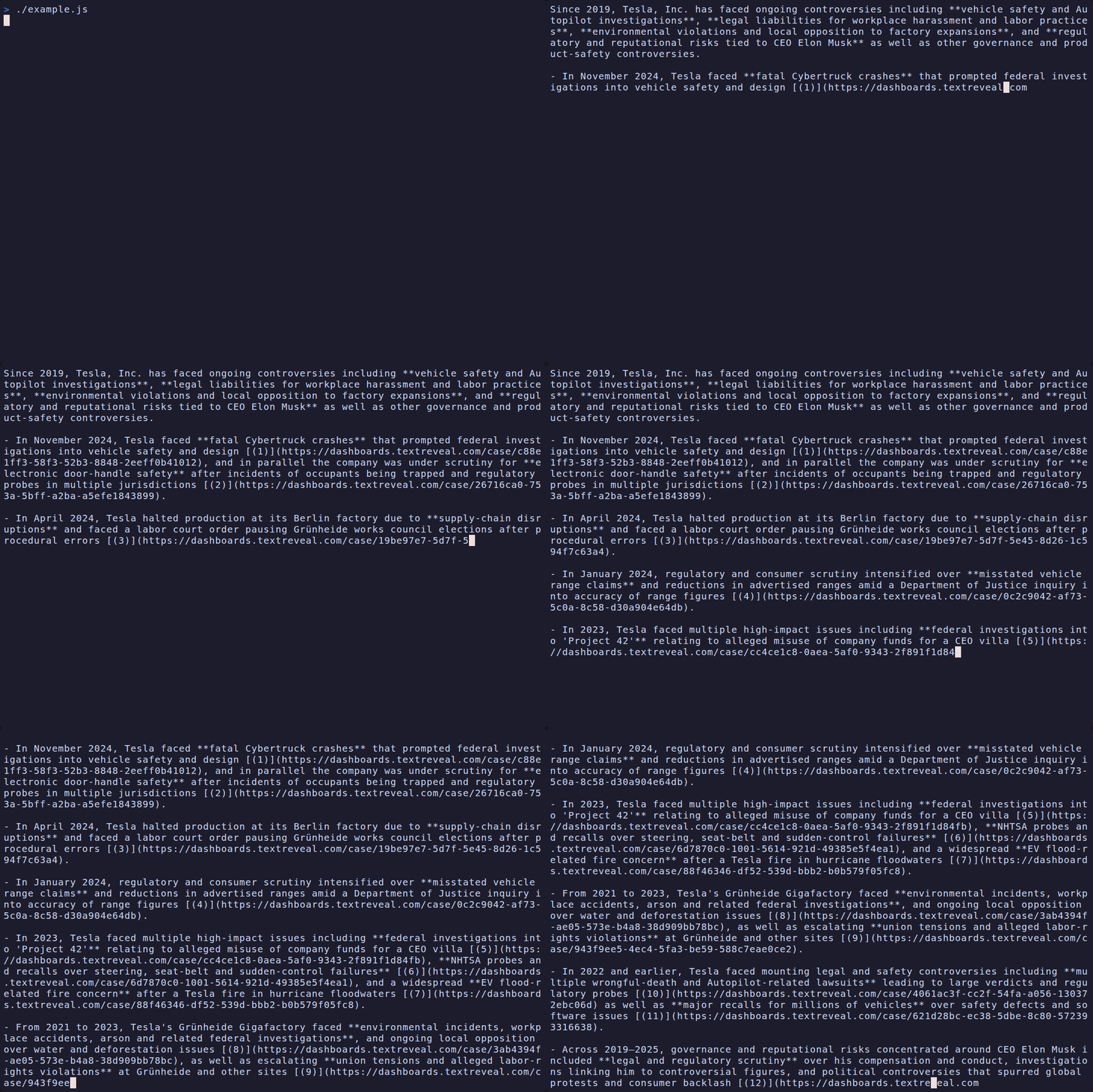
If you want to integrate this summary in your react application, instead of using stdout, update your state with something like this:
  const [text, setText] = useState("");

  const fetchSummary = async () => {
    // reuse code from above to get the stream
    setText("");
    for await (const event of streamResponse) {
      if (event.event !== "message") continue;
      const text = JSON.parse(event.data);
      setText((prevText) => prevText + text);
    }
  }